


Facility tier · Day counter · Resource stocks
Vault 13
Lead twelve souls through a sealed underground shelter when every day drains water, food, and power.
Survival loop
Three beats repeat every run: read the bunker, commit to upgrades, then live with the fallout.
-
1
Command the day cycle
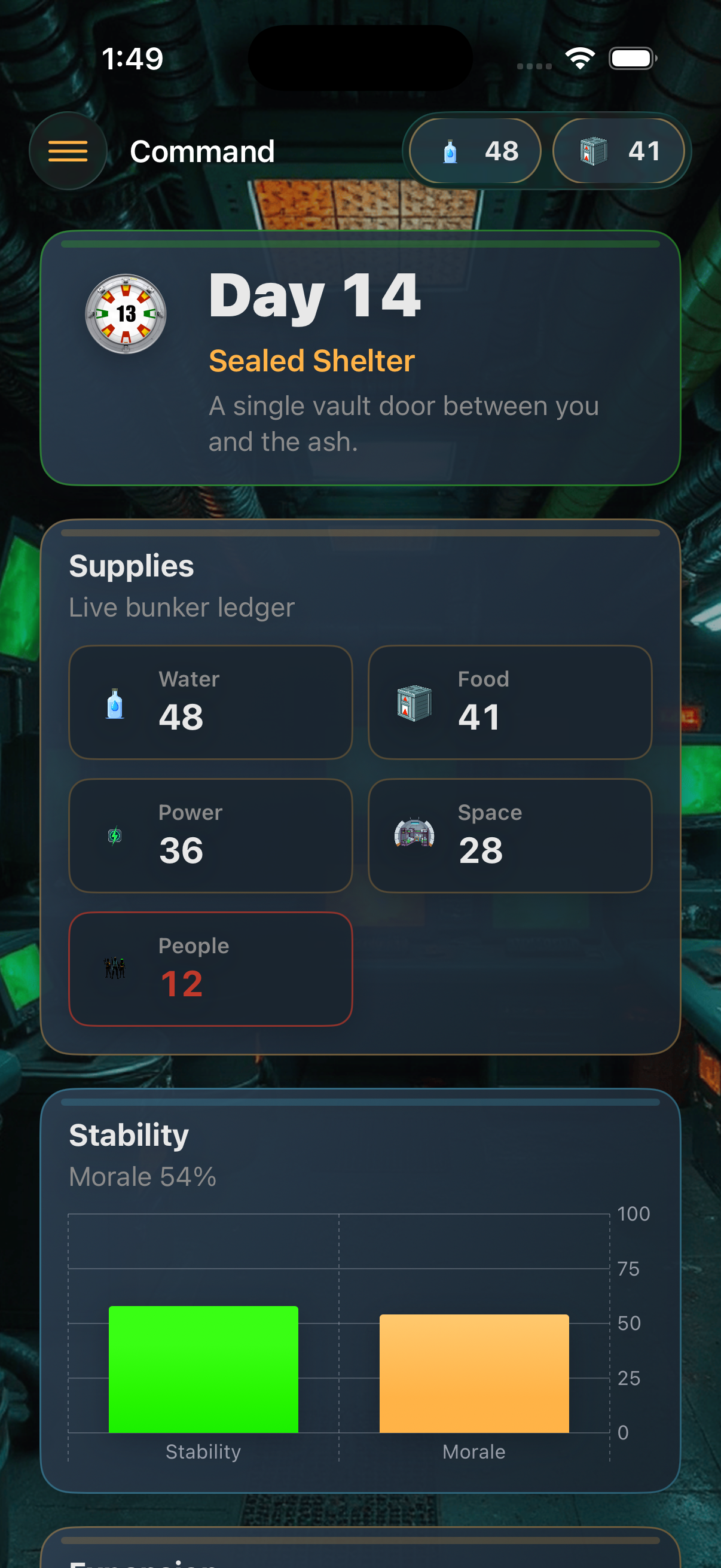
Advance survival days from the command center while stock levels, facility tier, and stability decide whether the vault holds together.
-
2
Upgrade the facility deck
Repair damaged wings, push room levels higher, and keep hydro, generator, and medbay production online when morale slips.
-
3
Council, crises, chronicle
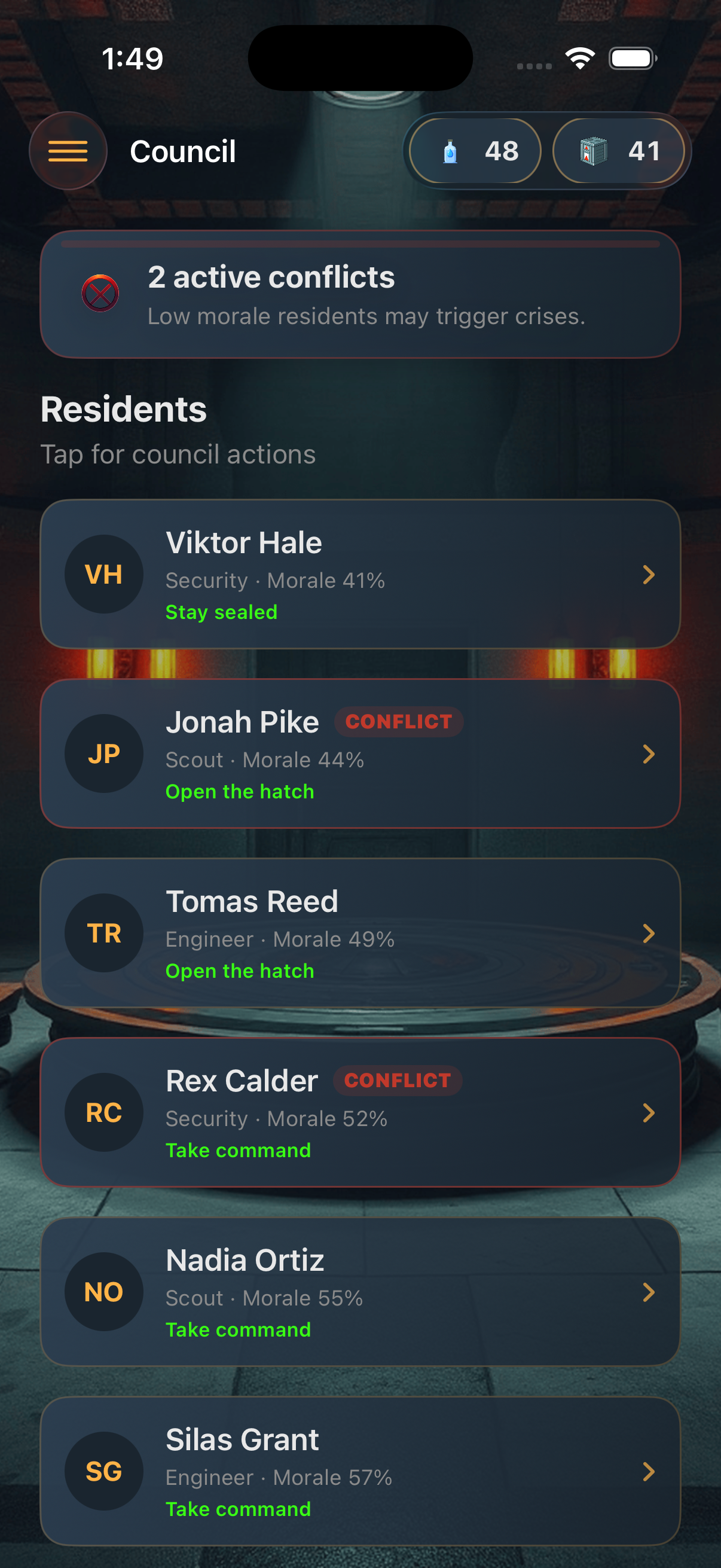
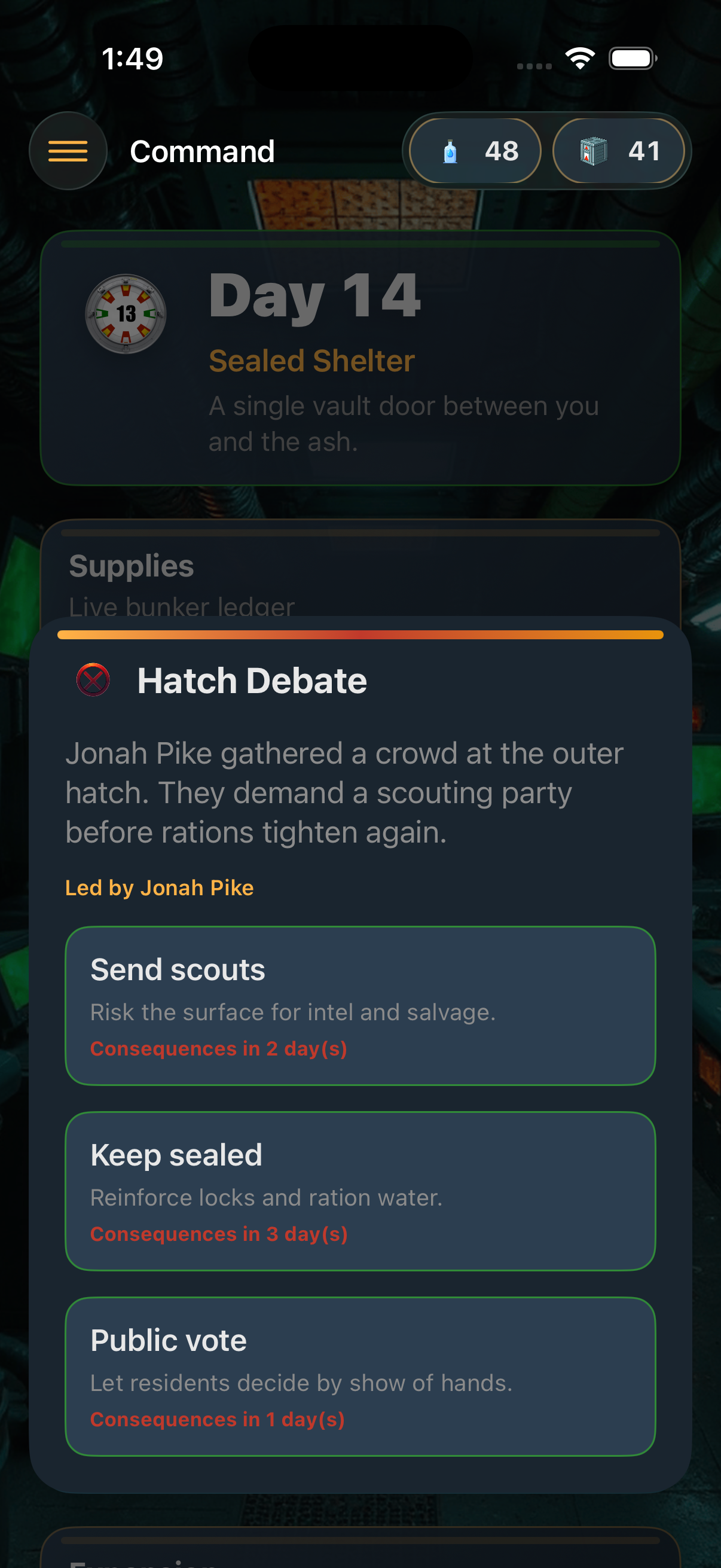
Manage residents, resolve conflicts, choose under pressure when crises hit, and read how each decision echoes in the chronicle timeline.
Inside the bunker
Swipe through moments from council debates, crisis pop-ups, and the command center dashboard.
Policies
Privacy and support for Vault 13 on iOS.
Privacy Policy
Effective date: October 13, 2026
Vault 13 is developed for entertainment on your iPhone and iPad. We do not collect personal data through the app. Game progress, residents, rooms, and chronicle entries are stored locally on your device using on-device storage.
When you attach optional photos or audio to chronicle records, those files remain on your device unless you share them through system share sheets you control.
Camera, microphone, and photo library access are requested only when you choose to attach media to a record. You can deny permission and continue playing without attachments.
Questions about this policy: miselenidimitriou@gmail.com.
Support
Vault 13 help covers gameplay basics, saving, and permissions.
Gameplay: Use Advance Day on the command center to progress. Upgrade rooms on the facility deck when you have materials. Open the council to inspect residents and ease conflicts before morale triggers crises.
Saves: Progress is kept in a local vault profile. Settings includes Start New Survival Cycle, which permanently clears residents, rooms, and chronicle entries on that device.
Contact: Email miselenidimitriou@gmail.com with your iOS version and a short description of the issue. We typically reply within a few business days.